Aosoft screen recording
Windows, Mac, iOS multi platform screen recording tool.
Record any operation screen
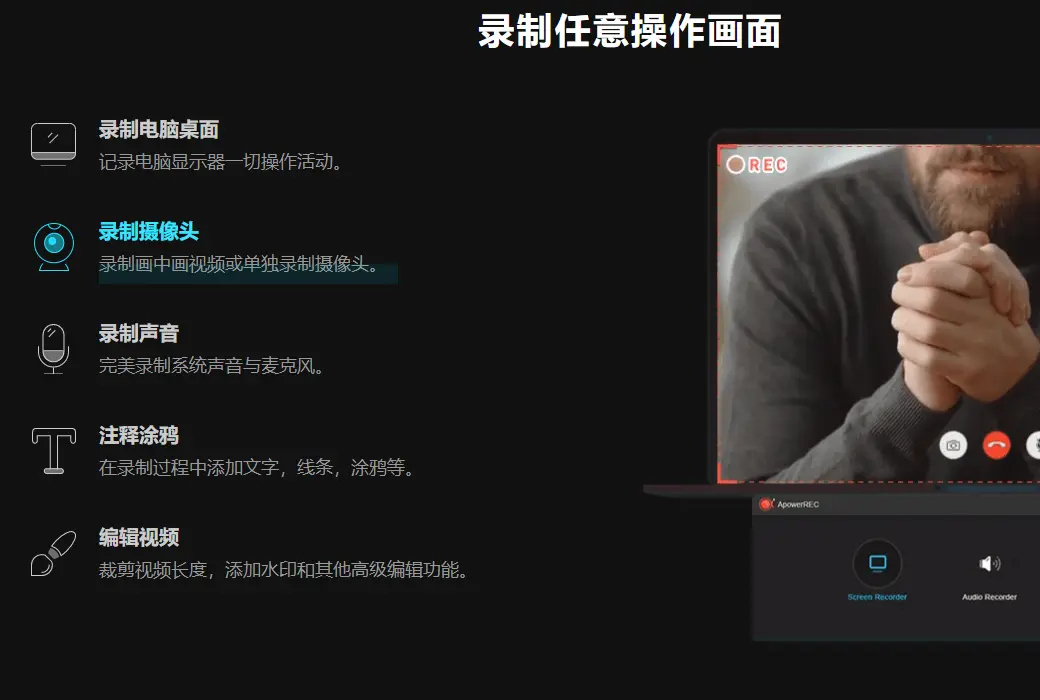
ApowerREC can help you record all activities such as computer desktop operations, online meetings, entertainment videos, etc. with synchronized audio and video recording. It provides multiple recording video modes such as full screen recording, area recording, and picture in picture, making it easy for users to record chat videos and teaching videos.
ApowerREC has rich functions in screen recording
- Edit video
Support real-time editing of video recording footage, as well as using editing functions to add video effects after recording.
- Recording camera
It can record camera images separately or record picture in picture effects.
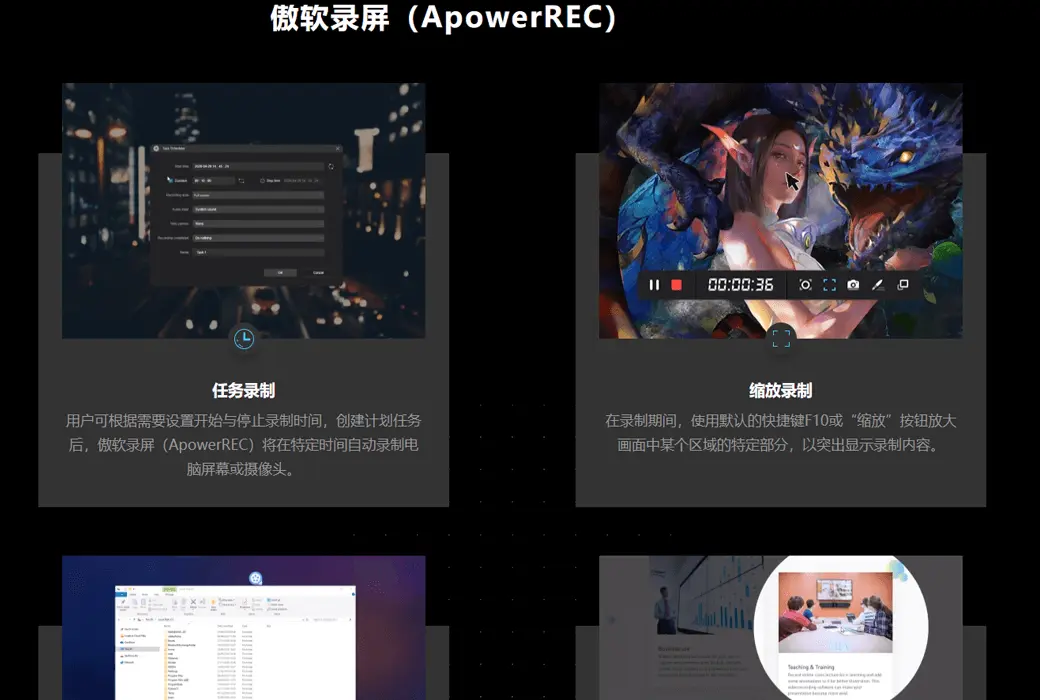
- Task recording
ApowerREC supports two types of task recording functions, namely computer screen/camera scheduled task recording and follow-up recording.
- Convert video
Convert the recorded video into various formats, such as MP4, AVI, WMV, MOV, etc.
- Quick screenshot
One click screenshot and automatically save the image to the computer.
- High quality recording
Supports high-quality recording of sound from sound cards and microphones, allowing users to adjust volume and customize audio sources.
ApowerREC has a flexible screen recording toolbar, clear parameter setting guidance, and the ability to export videos from original images, making it the best choice for users.
Cross platform operation, compatible with multiple devices
It is not only a Windows/Mac screen recording software, but also a mobile device recording tool that can easily help Android phones record videos and flexibly support iPhone screen recording. IOS users have added features for picture in picture and post production narration on top of recording; Android users can make good use of the quick hover button to record 1080P lossless content.
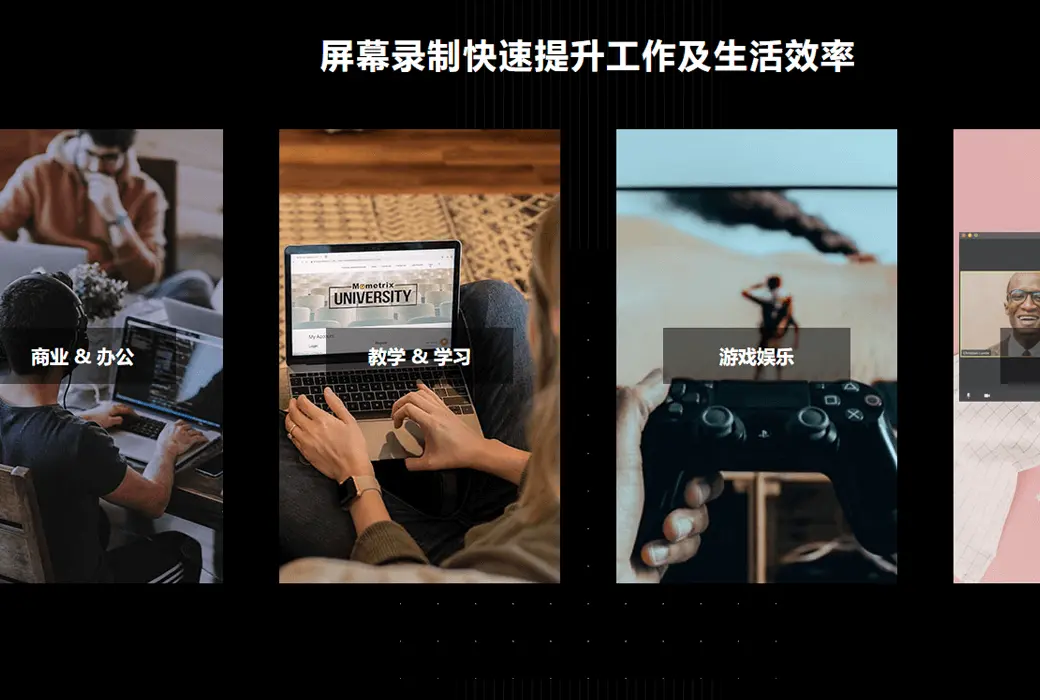
ApowerREC rapidly improves work and life efficiency
- Commercial use
ApowerREC can be used to record APP display videos or video conference recordings, with ultra clear recording of sound, presentation, and camera images.
- Teaching demonstration
This video recording software can make your presentation more vivid: it can be used to record online teaching videos and add annotations, allowing viewers to have a more intuitive understanding of the key points.
- study
Easily create great learning materials, perfect for recording live courses, online meetings, and other related online videos.
- Entertainment
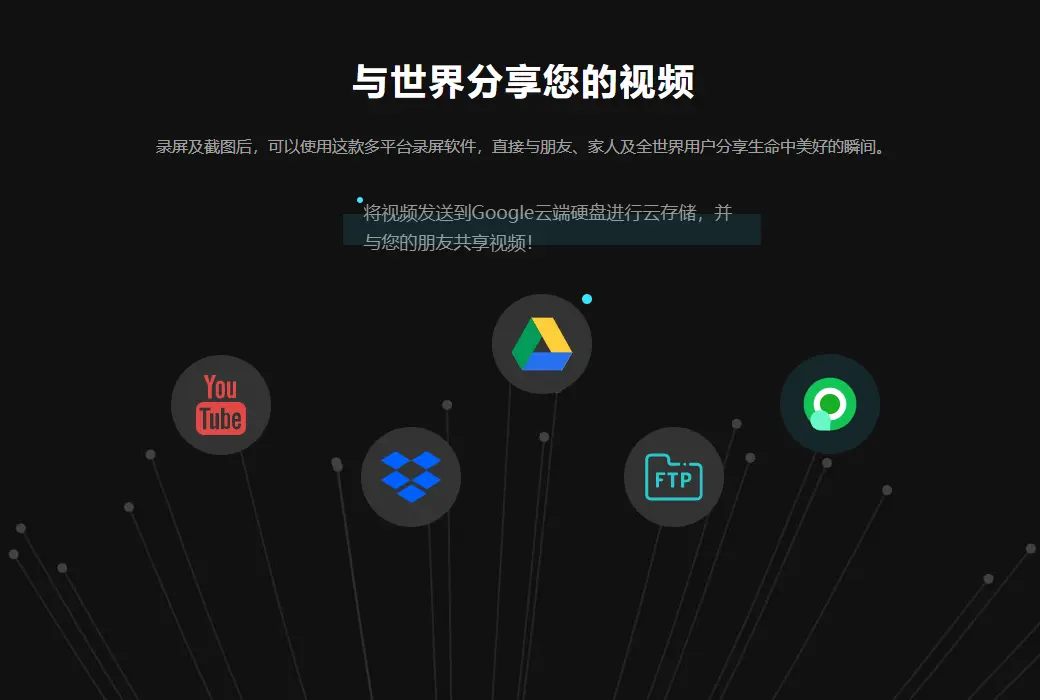
Record the exciting game scenes and capture exquisite operation pictures in the original artwork, and share them on various platforms to share with others.
- General functions
This screen recording tool can be used to record video calls, provide feedback on on-site issues, and provide video technical support.
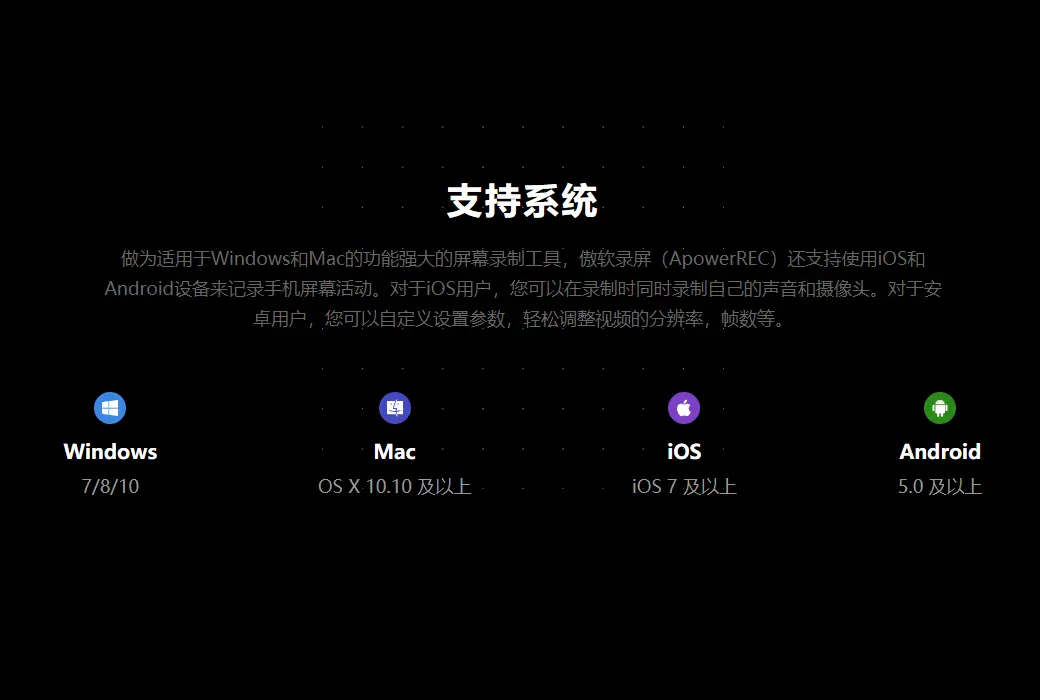
support system
- Windows: 7/8/10
- Mac: OS X 10.8 and above
- IOS: iOS 7 and above